📢
Explore our latest MCP support for Claude.ai integration here.
Introduction to Adzviser on Google Sheets
The Adzviser Google Sheets add-on brings your marketing and sales data into a spreadsheet. Use it to build recurring reports, compare performance across sources, and share results with your team.
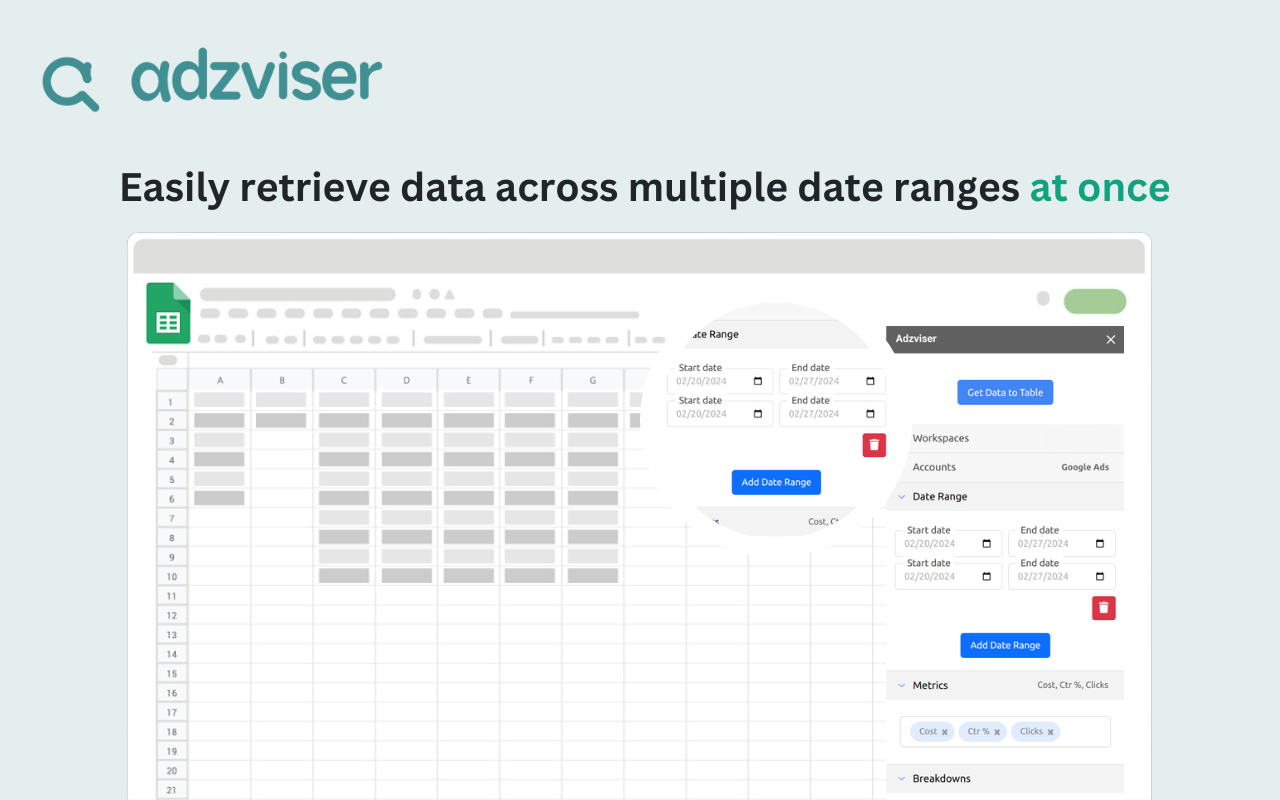
With the add-on, you can:
- Choose your report fields: Select connected accounts, date ranges, metrics, and breakdowns in the sidebar. Learn how to get your data →
- Compare sources and periods: Retrieve data from multiple sources in a workspace and select the date ranges you want to compare.
- Reuse your queries: Saved queries retain your selections so you can run the same report again without rebuilding it. Learn about saved queries →
- Refresh recurring reports: Refresh saved queries manually or on a schedule. Use a predefined date range such as
lastWeekwhen the reporting period should move forward with each refresh. Set up data refresh → - Analyze and share results: Use Google Sheets formulas, pivot tables, and charts to build reports from the returned data, then share the spreadsheet with your team.
To get started, install the add-on and connect your Adzviser account.